Aircon Remote Control Symbols Explained (With Pictures)
Confused by the symbols on your aircon remote? This guide explains every icon on your aircon remote control, from cooling modes to fan speeds and timer functions.

Billy Aircon Team
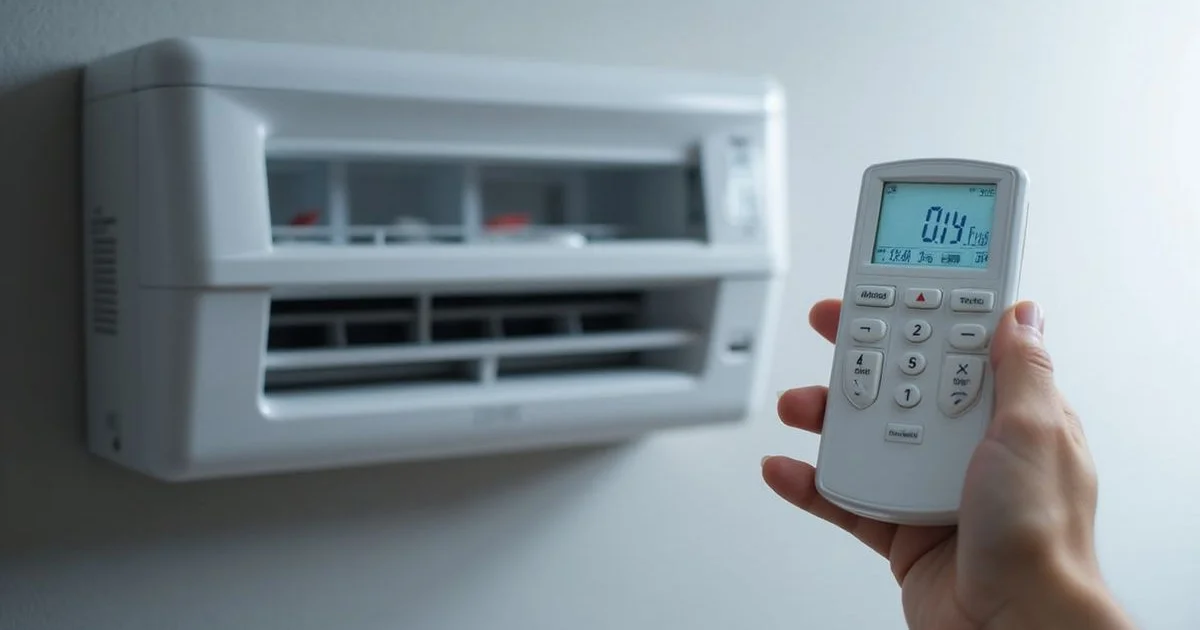
Every technician sees the exact same thing during a routine service call.
Most people grab the controller, press the snowflake for cold air, and completely ignore the other buttons.
Having your Aircon Remote Control Symbols Explained (With Pictures) changes this habit and immediately grants access to features that save money on electricity.
Our team at Billy Aircon, founded in 2003 and now a dedicated crew of 26, notices this missed opportunity every single day across Singapore.
The standard cooling routine leaves your system working much harder than necessary, and without regular aircon servicing, small inefficiencies become costly problems.
You are about to learn what every tiny icon actually means.
We are going to look at the data, what it actually tells us, and explore the practical settings you should start using today.
Core Aircon Remote Control Symbols Explained (With Pictures)
The primary buttons on your controller dictate how the compressor and fans operate.
Selecting the wrong option is the most common reason for high utility bills.
Our technicians recommend mastering these five core functions first.
Snowflake: Cool Mode
The snowflake is the mode you use most, as it runs the compressor and blows cold air at your set temperature.
The National Environment Agency (NEA) and the 2026 guidelines advise setting this between 24 and 25 degrees Celsius for optimal efficiency.
We completely agree with this data-backed recommendation.
Dropping the temperature below 23 degrees forces the compressor to work continuously without a noticeable comfort difference.
A 2025 study from the Ministry of Sustainability and the Environment found that raising the temperature by just one degree reduces cooling energy use by around 10 percent.
Our clients often save significant money on their SP Group bills just by making this minor adjustment.
The current SP Group electricity tariff sits at 29.11 cents per kWh with GST for the first quarter of 2026.
Those minor percentage savings add up quickly over a month.
Sun: Heat Mode
The sun symbol activates the heating function on reverse-cycle models.
You will simply never need this setting in Singapore’s tropical climate, where the average daily minimum temperature rarely drops below 24 degrees.
We get frequent calls from panicked homeowners wondering why their unit is blowing warm air.
The culprit is almost always an accidental press of the sun button.
Switching back to the snowflake immediately resolves the issue.
Water Droplet: Dry Mode
Our absolute favourite feature for local homes is the dry mode.
This function reduces indoor moisture without dropping the room temperature drastically.
Singapore’s mean relative humidity sits around 84 percent year-round, which makes 25 degrees feel incredibly sticky and warm.
We always suggest running this mode for an hour or two on rainy days.
It makes your living room feel significantly more comfortable while using up to 30 percent less electricity than the standard cooling function.
Learn more about reducing humidity at home.
Fan Symbol: Fan Mode
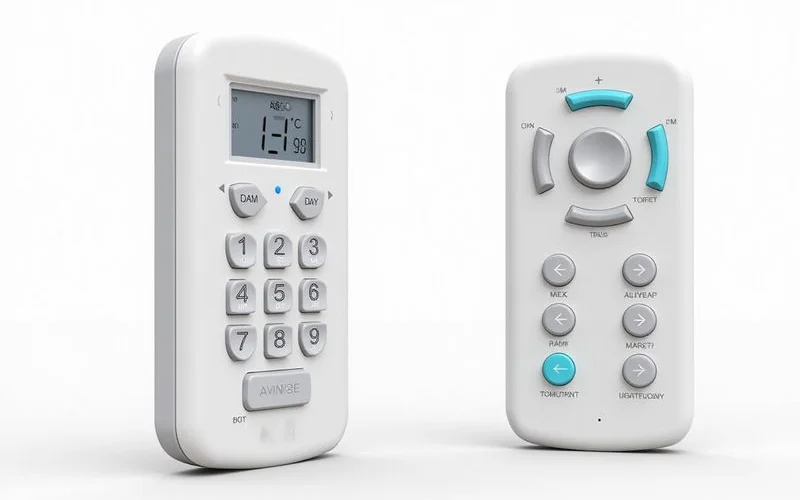
Our tests show this mode uses roughly 30 to 50 watts of power, compared to the 1000 watts used during active cooling.
The fan symbol runs only the indoor unit’s blower without activating the power-hungry compressor.
No actual cooling happens during this cycle.
We often advise using this option to circulate air in the room, working just like a standing fan but using your existing ceiling vents.
You can use it alongside an open window to flush out stale air quickly.
It is an excellent choice for mild, breezy mornings.
Auto or A Symbol: Auto Mode
Our repair logs show that the automatic setting causes the compressor to cycle on and off too rapidly.
Auto mode lets the internal computer decide which function to use based on the current room temperature.
It constantly switches between cool and fan modes to maintain the exact climate.
We strongly advise setting your preferred configuration manually to ensure better efficiency and extend the lifespan of your equipment.
A consistent run cycle is always better for the hardware.
Manual control simply uses less electricity in the long run.
Fan Speed Symbols
Our installation experts recommend matching the fan velocity to your immediate needs rather than leaving it on a default setting.
Most remotes display fan speed as a series of bars or lines.
The interface usually ranges from one bar for low speed to four bars for maximum velocity, alongside a dedicated automatic speed option.
We find that understanding these specific levels prevents unnecessary noise and drafts.
Using the correct setting improves both comfort and acoustics.
Here is a quick breakdown of how to use each level:
| Fan Speed | Decibel Level | Best Use Case |
|---|---|---|
| Low | 19 dB (Mitsubishi Starmex R32) | Sleeping and quiet study. |
| High | 40+ dB | Cooling a hot room rapidly. |
| Auto | Variable | Maintaining a steady climate seamlessly. |
We advise starting your bedroom unit on high to cool the space quickly.
The automatic setting will then seamlessly reduce the noise once the room reaches your desired climate.
This strategy gives you fast relief and a quiet night.
Swing and Airflow Symbols
Our team frequently answers questions about how to eliminate annoying cold drafts.
The answer lies in mastering the horizontal and vertical airflow buttons.
Proper air distribution cools the room evenly and prevents uncomfortable freezing zones.
Up and Down Arrows: Vertical Swing
We prefer to lock the louvers at a specific upward angle to utilise the Coanda effect.
These arrows control the horizontal flaps that direct air up or down.
Pressing this button sets the louvers to swing continuously, distributing cool air evenly throughout the room.
Our technicians tell every new client that cold air naturally falls.
Directing the breeze up to the ceiling lets it spread across the room before sinking down to where you are sitting.
Brands like Daikin specifically design their panels to push air up to 10 metres along the ceiling using this exact aerodynamic principle.
Left and Right Arrows: Horizontal Swing
We consider this feature essential for elongated spaces like typical HDB living rooms.
Not all models have this capability, but those that do allow you to sweep air from left to right.
This function pushes conditioned air into hard-to-reach corners of a wider area.
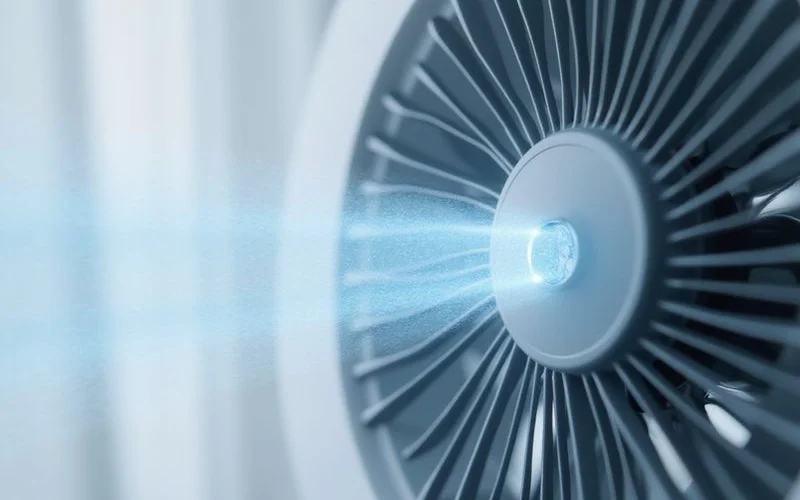
Our standard advice is to leave this on a continuous sweep if you have multiple people sitting in different parts of the living room.
It guarantees everyone gets a fair share of the breeze.
You can also lock it to one side if a particular corner gets too much afternoon sun.
Timer Symbols
We know that running the system continuously all night is an expensive habit.
The timer functions offer a brilliant way to cut down on unnecessary runtime.
Using the scheduling features can easily shave 30 percent off your nightly usage.
Clock Icon: Timer On and Off
Our most successful energy-saving tip involves a simple sleep and wake schedule.
The timer function lets you precisely dictate when the system activates or shuts down.
Most remotes feature separate buttons for turning the unit on and off.
We recommend setting the system to turn off two hours after you fall asleep.
You can then set it to turn back on an hour before your alarm rings.
The sealed room will stay cool enough to keep you comfortable during those off hours.
Moon or Sleep Symbol: Sleep Mode
Our measurements show that the sleep mode reduces electricity usage by 20 percent compared to holding a fixed 24 degrees all night.
This setting gradually increases the target temperature by one to two degrees over several hours.
Your core body temperature drops naturally during rest, making a 26-degree room feel perfectly adequate at 3 AM.
We confirm that this gentle temperature curve also extends the life of your compressor.
Read our guide on the best aircon temperature for sleep.
It is a brilliant feature for consistent nighttime comfort.
Other Common Symbols
Our engineers often find homeowners puzzled by the secondary icons on modern remotes.
Brands like Daikin, Panasonic, and Midea include proprietary features for specific situations.
Learning these extra functions can solve niche cooling problems very effectively.
Turbo or Jet Symbol
We use this mode exclusively for rapid heat extraction after completing a new setup.
This setting forces the compressor and fan to run at maximum capacity to cool the room as fast as possible.
Daikin calls this the Powerful mode, while Panasonic refers to it as iAUTO-X.
Our advice is to use this only when you first arrive home to a hot, stuffy flat.
You must turn it off once the room is comfortable, as sustained use drains electricity rapidly.
It is not designed for continuous daily operation.
Quiet Symbol
We receive great feedback from light-sleeping clients about this specific function.
The quiet icon reduces the internal fan speed to the lowest possible setting for minimal acoustic interference.
The compromise for this near-silent operation is a noticeably slower cooling process.
Our team recommends combining this with a slightly higher temperature setting to prevent the compressor from struggling.
It provides the perfect environment for a peaceful night.
Models like the Mitsubishi Starmex R32 drop down to just 19 decibels on this setting, which is barely a whisper.
ECO or Energy Saving Symbol
We see this feature on almost every modern inverter model sold in Singapore today.
The ECO function digitally limits the maximum power output, usually capping the compressor at 70 percent capacity.
Your room takes longer to reach the target climate, but the power draw remains consistently low.
Our data proves this is the ideal setting for mild evenings or overcast days.
You do not need aggressive cooling when the sun is down.
It acts as a safety net against surprisingly high utility bills.
Filter or Clean Symbol
We consider this the most important warning indicator on your entire system.
When this light or icon appears, the internal timer has hit a specific number of operating hours and requires attention.
The National Environment Agency strongly advises cleaning your reusable mesh screens every two weeks.
Our standard procedure is to wash the screens, dry them completely, and then press and hold the filter button to reset the digital timer.
Regular washing is a mandatory part of good aircon maintenance.
A blocked screen forces the blower to work twice as hard to push air into the room.
Getting the Most from Your Remote
We built this business to help you achieve maximum comfort with minimum energy waste.
Having your Aircon Remote Control Symbols Explained (With Pictures) gives you the confidence to adjust settings based on the weather outside.
You can utilise the dry function during humid monsoon months and schedule smart timers to slash your overnight costs.
Our entire team guarantees that these small daily adjustments add up to noticeable savings on your SP Group electricity bill.
It just takes a few seconds of pressing the right buttons.
You will see the financial difference in your first month of applying these habits.
We know that hardware sometimes fails despite perfect remote settings.
If your controller is unresponsive or the unit ignores your commands, the issue might be a faulty receiver rather than the handset.
Check out the detailed guide on aircon thermostat troubleshooting to see exactly what to verify when your equipment stops responding properly.
Billy Aircon Team
Technical Writers
The Billy Aircon editorial team draws from our 26-strong workforce of experienced aircon technicians.